> For the complete documentation index, see [llms.txt](https://docs.origami.finance/llms.txt). Markdown versions of documentation pages are available by appending `.md` to page URLs; this page is available as [Markdown](https://docs.origami.finance/the-second-fold-v2/deprecated-vaults/sdai-11x/dapp-instructions.md).

# dApp Instructions

<figure><img src="/files/qucFBxZAgLlaROH7aRpy" alt=""><figcaption><p>Select the sDAI 11x vault from the list to access the vault features</p></figcaption></figure>

<figure><img src="/files/q2uE0qIZvFRFsbIBWtm8" alt=""><figcaption><p>sDAI is the only whitelisted assets for deposits into the sDAI 11x vault</p></figcaption></figure>

<figure><img src="/files/WFh8XFLIEU6KfaiiiPPz" alt=""><figcaption><p>Click Deposit to access the sDAI 11x vault</p></figcaption></figure>

<figure><img src="/files/IPUrs7BAz2KnyET9Alcp" alt=""><figcaption><p>Check the list of terms to confirm acknowledgement</p></figcaption></figure>

<figure><img src="/files/RJRu8nr4mfql5a21dwSt" alt=""><figcaption><p>Click on Sign if all Terms of Service have been checked in order to access the Origami Dapp</p></figcaption></figure>

<figure><img src="/files/LkkmksjPgsbslVNwmbIK" alt=""><figcaption><p>Key in the amount of sDAI tokens you wish to deposit</p></figcaption></figure>

<figure><img src="/files/WCxTKFdigsdit36bdRe1" alt=""><figcaption><p>Confirm the gas fees to push the transaction through</p></figcaption></figure>

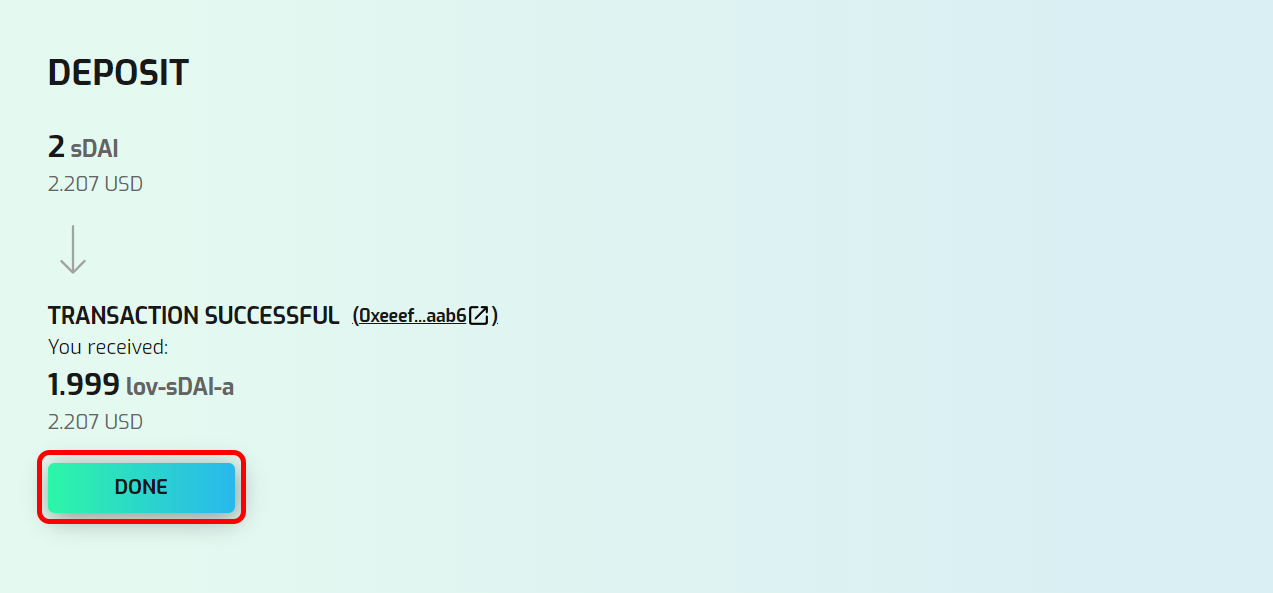
<figure><img src="/files/89A2wUpfbRp2pKsAlcED" alt=""><figcaption><p>Click DONE once the transaction is successful</p></figcaption></figure>